Case study · Miami and Atlanta
Bond & Fifth.
A permanent jewelry store with pop-ups in Miami and Atlanta. This is everything we built for it, and what keeps it running day to day.
Ours: the website, its design, the owner’s admin, the Instagram link-up and the text assistant. The store’s own: the jewelry, its photos and its Instagram posts.
The look
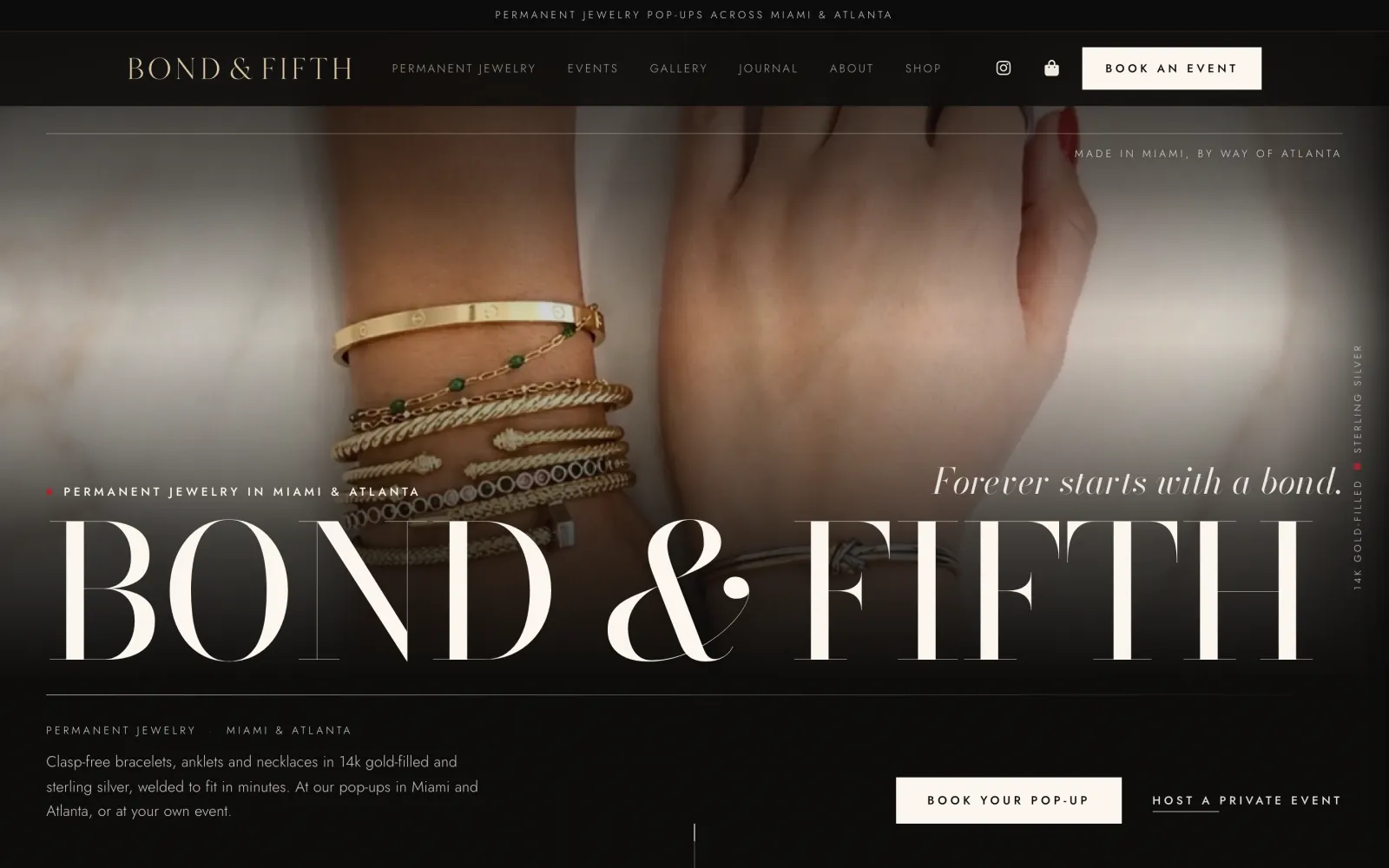
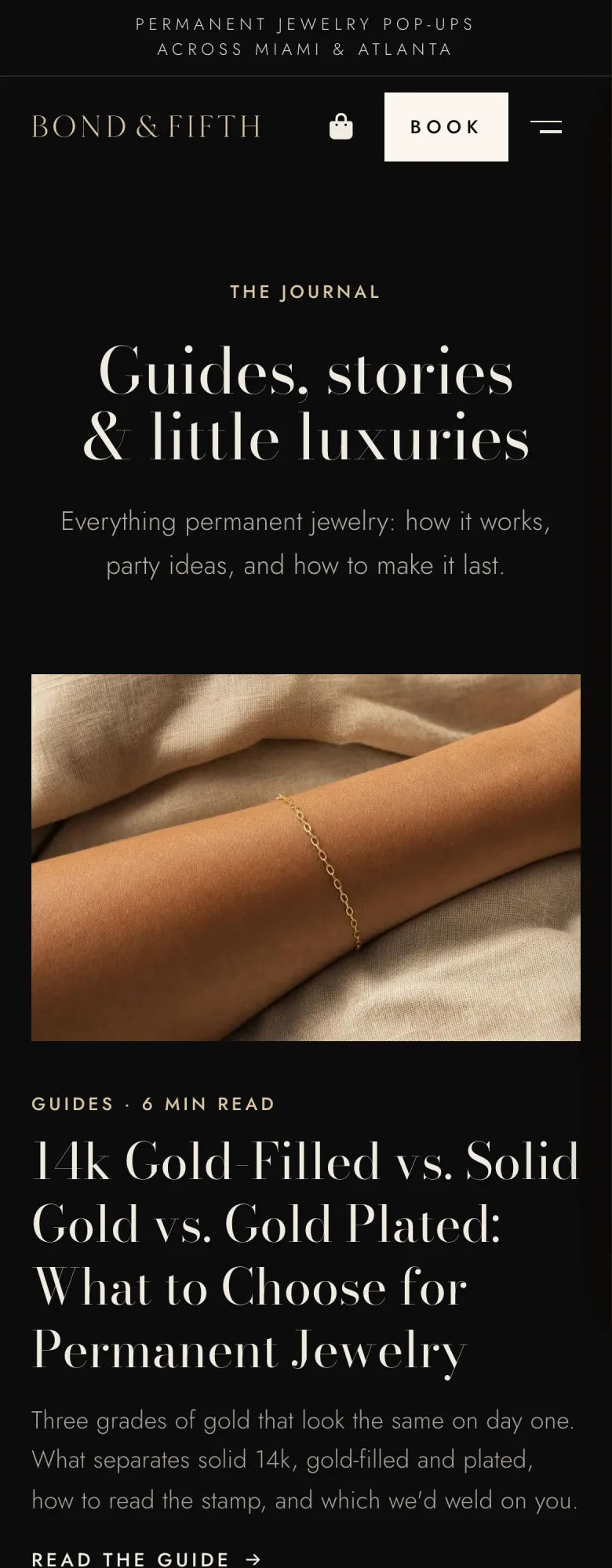
Black and cream, tall serif type, and the store’s own photos made sharp enough for a big screen. The wordmark is redrawn from the store’s logo card. Then the pages people search for: each kind of jewelry, events and parties, each area they serve, and a journal of plain-English guides.

She posts. The site fills itself.
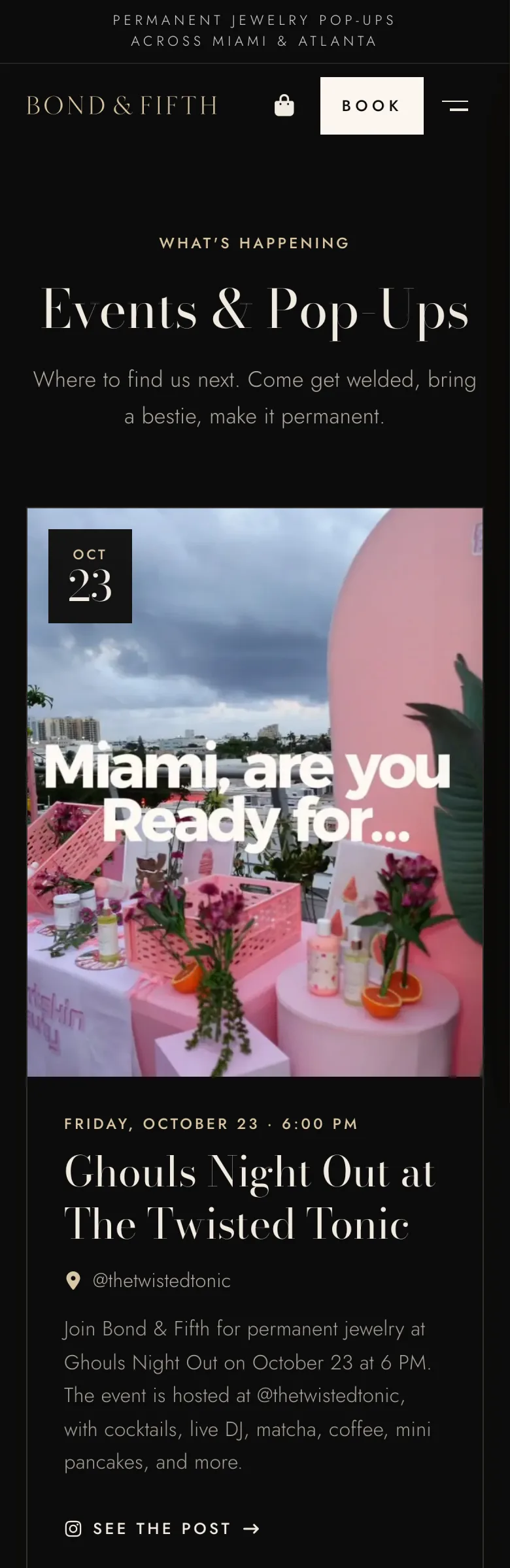
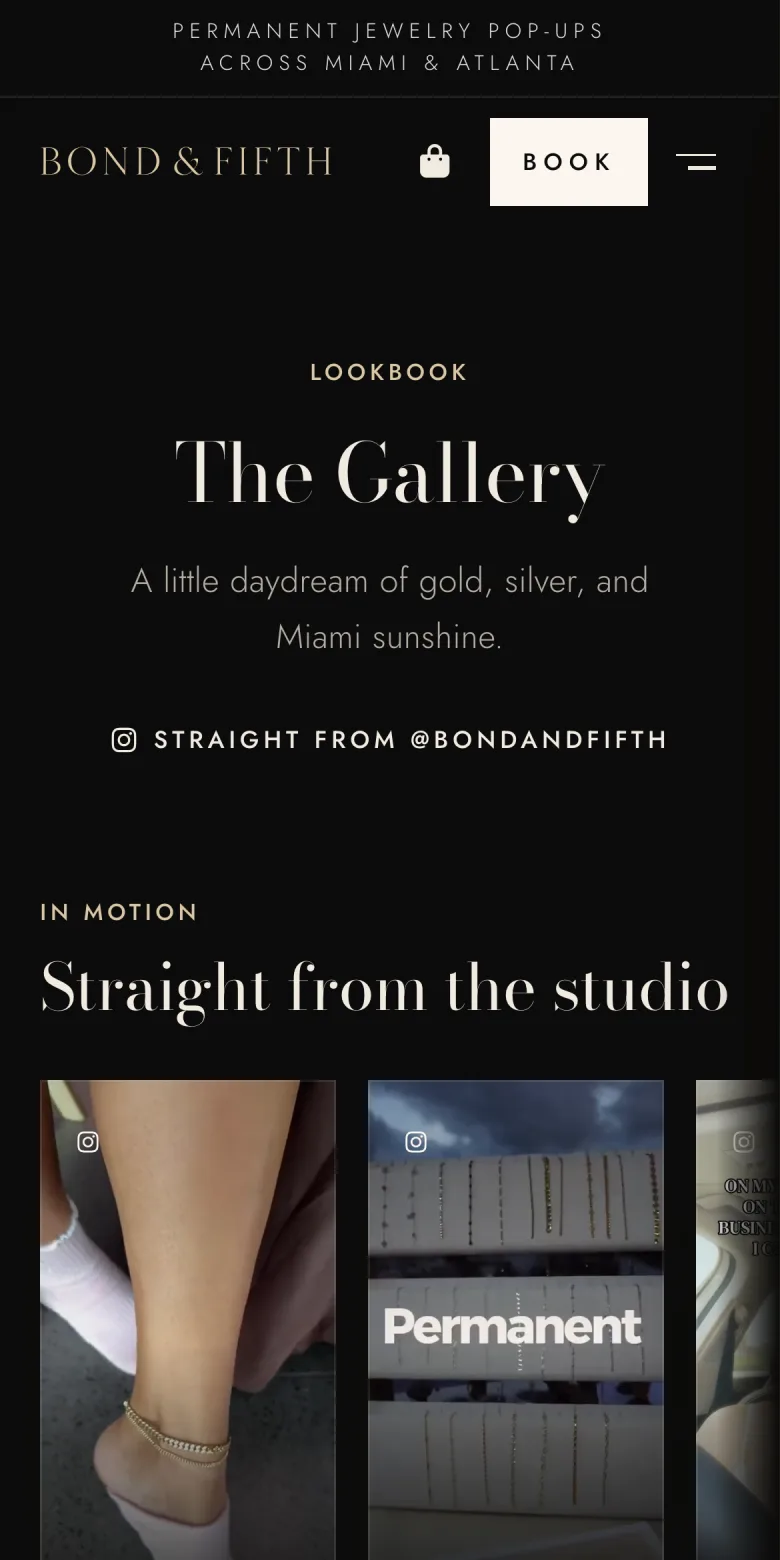
The owner posts on Instagram the way she always has. Every day the website reads her new posts. Photos and videos go into the gallery.
When a post is about an event, the date, the time and the place are picked out of it, and the event goes on the Events page with a link to the post and an Add to calendar button. Nobody copies anything over.
Her admin
The owner signs in to her own admin page. Booking requests and messages in one list, and her replies go out from her business email. The shop, newsletter sign-ups, and a traffic page that says in plain words what to do next.
Her real admin holds her customers’ details, so it isn’t shown here. A copy with sample data is.
She texts it.
The owner runs the business from her phone by texting an assistant, the way she’d text a person.
- Email. Each new email to the business comes to her as a text. She answers by text, and the reply goes out from her business address.
- Her website. She texts a change, gets a picture of it, and replies YES to put it live. Nothing on the site changes before that YES, and any change can be undone.
- Her day. Calendar, reminders, a heads-up before each meeting and a short list every morning.
- After an event. It asks how it went, and her photos and a few words go on the site.
ExampleWritten to show how it works. Not the owner’s real messages.
- New email to the business: “Do you do bridal parties?” Reply here and I’ll send it from your business email.
- Yes! We come to you. Send me the date and how many of you.
- Sent.
- Change Saturday’s pop-up to 2 to 7
- Here’s how it will look on your Events page. Reply YES to put it live.
- YES
- It’s live.
- In 15 minutes you have a meeting: venue walk-through at the studio.
Built
- Pages
- home, each kind of jewelry, events and private parties, booking, each area they serve, a journal of guides, a gallery, a shop
- new posts fill the gallery every day; posts about an event go on the Events page by themselves
- Admin
- bookings, messages and replies, the shop, newsletter sign-ups, and traffic in plain words
- Assistant
- email, website changes, calendar and reminders, event recaps, all by text
- her own business email, set up so it doesn’t land in spam